One booking system for everything your studio runs
What a studio needs to sell its classes, events, courses, and parties online, and to run the day when people arrive.
Set up once, booked every week
Weekly classes
A weekly class runs the same way every week, until a holiday falls on it, a week fills up, or a teacher is away.
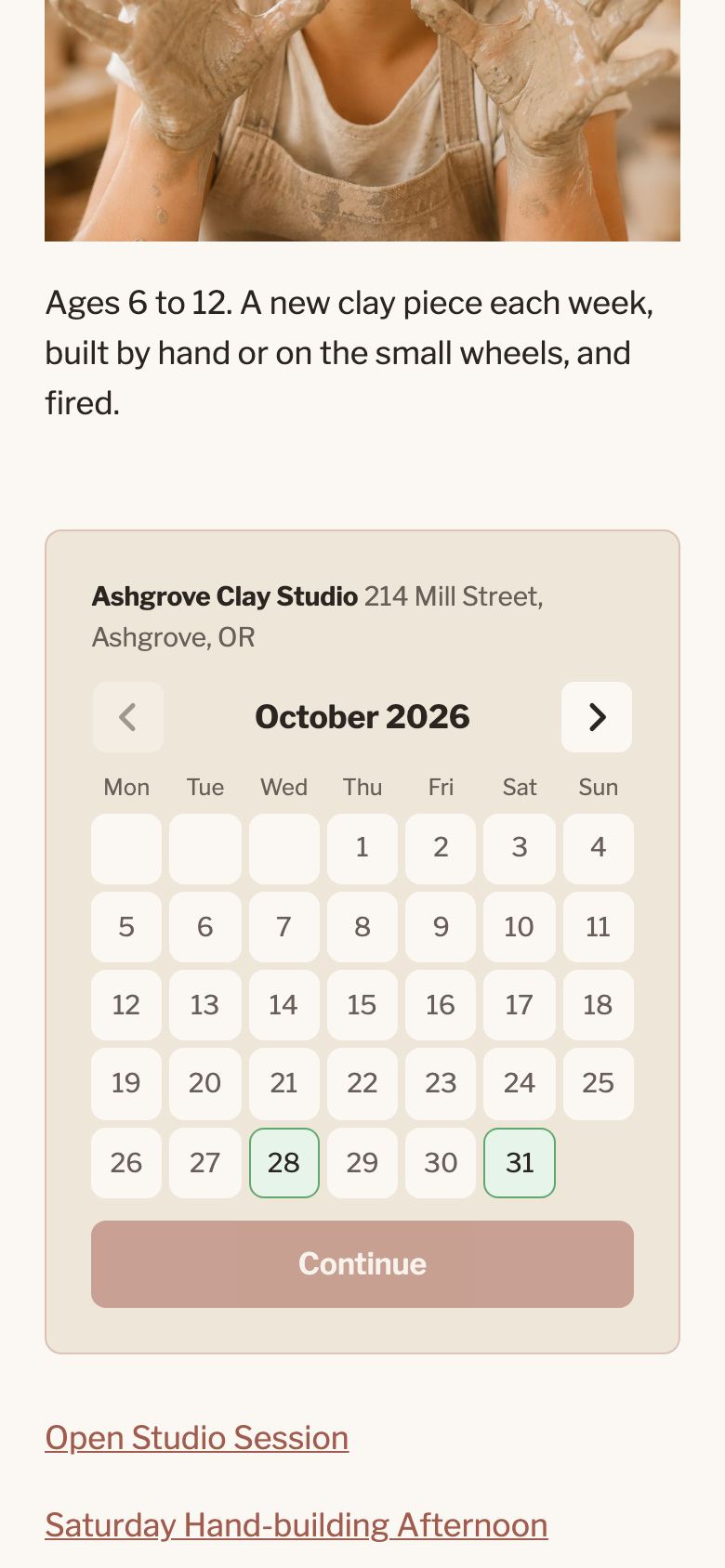
Customers see the coming dates on a calendar, pick one, and book the spots that are still free. No account is needed, and the booking form works well on a phone.
The class is set up once, with its weekly times and the number of spots. When a single date has to be closed, or needs different hours, only that date is changed, and the calendar shows the change.
One page for every event
Events and tickets
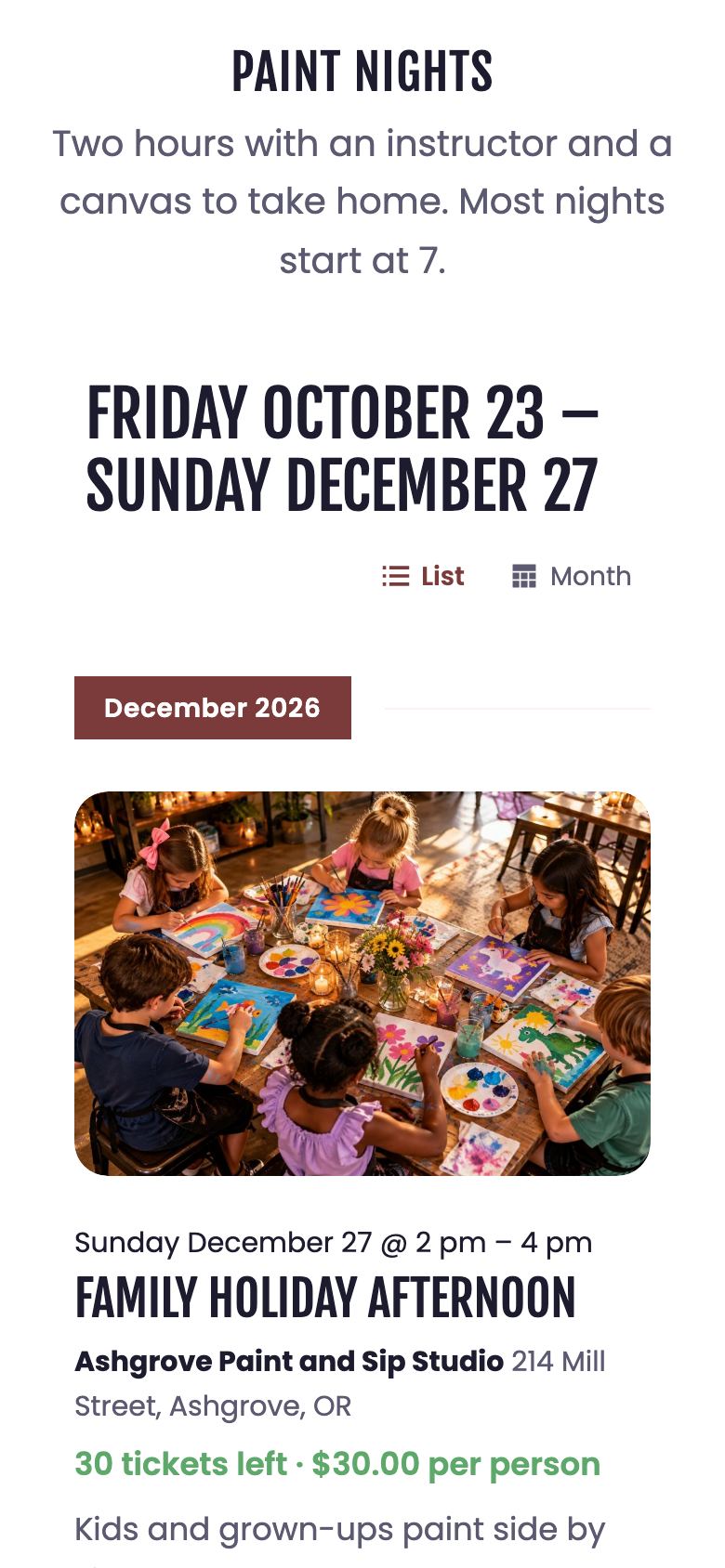
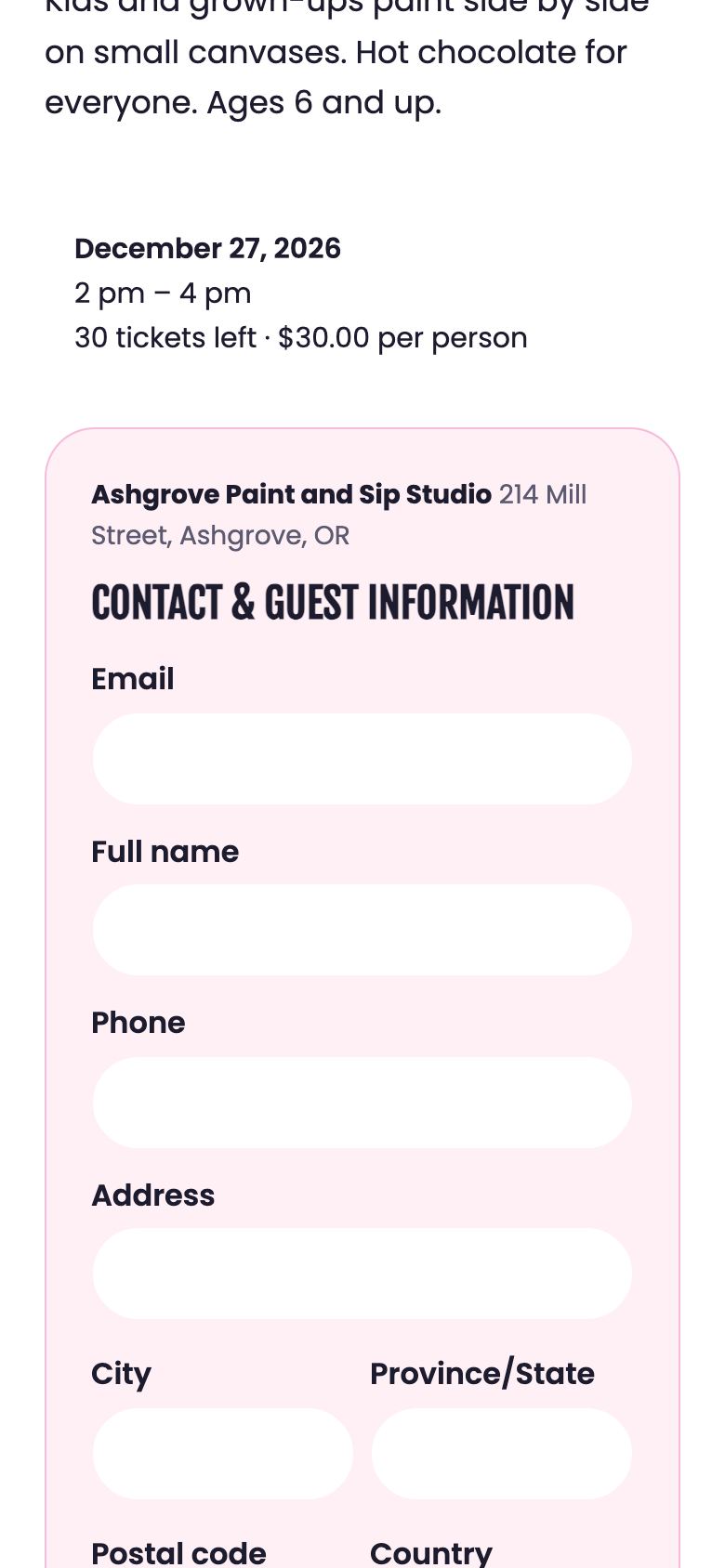
A paint night, a raku firing, or a summer camp needs a page of its own, with a description, pictures, a price, and the number of tickets still available.
Each event gets that page. Customers browse the events as a list or on a month calendar, and buy tickets for themselves and their friends in one go, with a name for each guest.
An event can run on a single day or over several days, like a summer camp booked as a whole. For a free event, such as an open house, the ticket is replaced by a simple sign-up with no payment.
Several sessions, one booking
Courses
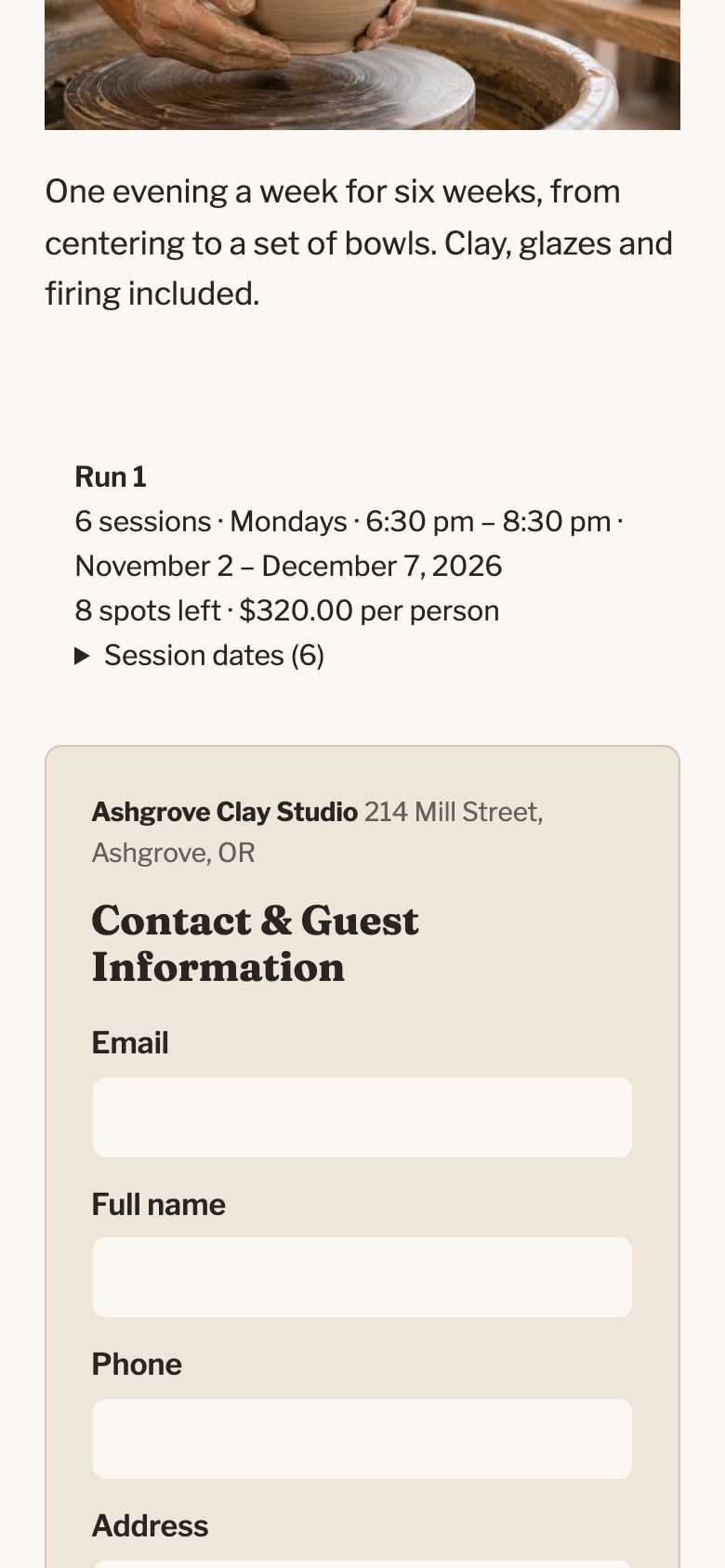
A course is a series of sessions that belong together, and customers should be able to book it as one thing rather than session by session.
Customers book the whole course in one booking, and they see every session date before they pay.
The studio sees who is enrolled, and attendance can be taken at each session.
Booked without the back and forth
Parties
Booking a party usually takes a string of calls and emails about the date, the number of guests, and the deposit.
Customers choose a package, see what it includes and what it costs for their group, pick a date, and pay the deposit online. A studio that would rather look at each party first can take requests instead, and confirm each one.
Each party reserves its room for its time, so two parties are never booked at once. The booking form can carry the studio’s own questions, such as the birthday child’s name, and the answers arrive with the booking.

Paid at the time of booking
Online checkout
Taking bookings by phone and payment at the door leads to no-shows, and to an evening of bookkeeping afterwards.
Customers pay as they book, on the studio’s own website, without creating an account. The booking is confirmed straight away.
A spot is held while someone is paying for it, so the last spot can only be sold once, and a checkout that is abandoned frees the spot again. The money goes straight to the studio’s own payment account. A studio that prefers to look at each booking before it is confirmed can do that too.
Everyone knows when and where
Emails and reminders
Customers forget what they booked, and answering the same question about the time again and again takes the studio’s time.
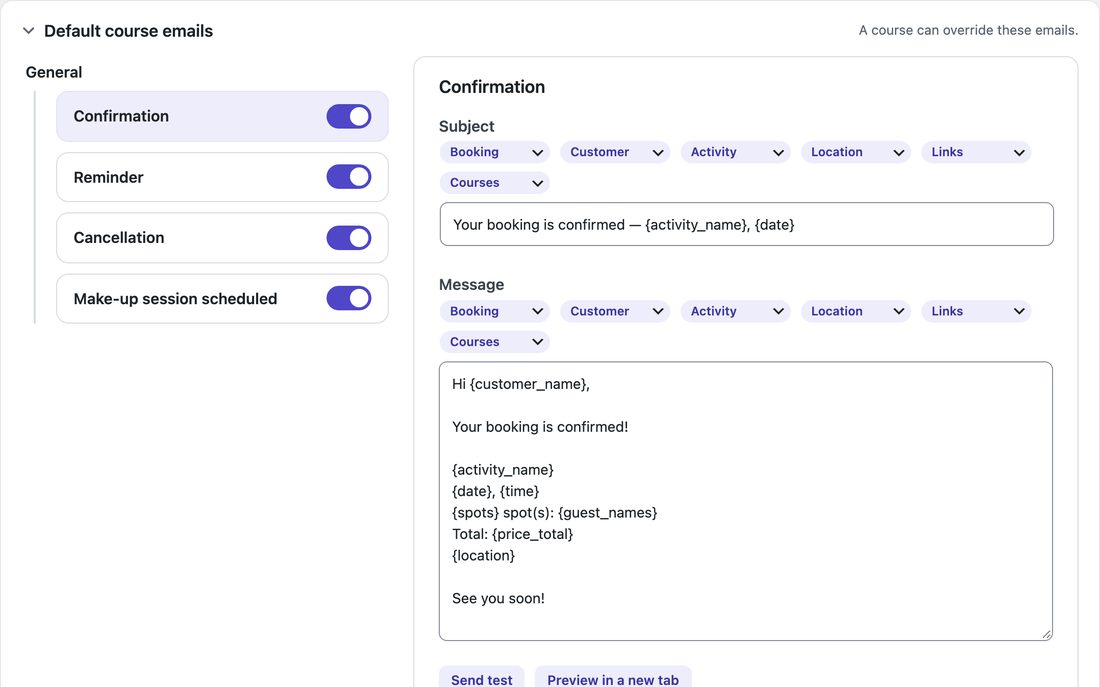
Every booking gets a confirmation email with its tickets, one for each guest. A reminder follows before the day, and each activity has its own setting for how far ahead it is sent.
When a booking is moved to another date, the customer receives a new confirmation. The wording of every email can be changed.
Ready at the door
The day itself
On the day itself the studio needs to know who is coming, who has paid, and who has already arrived.
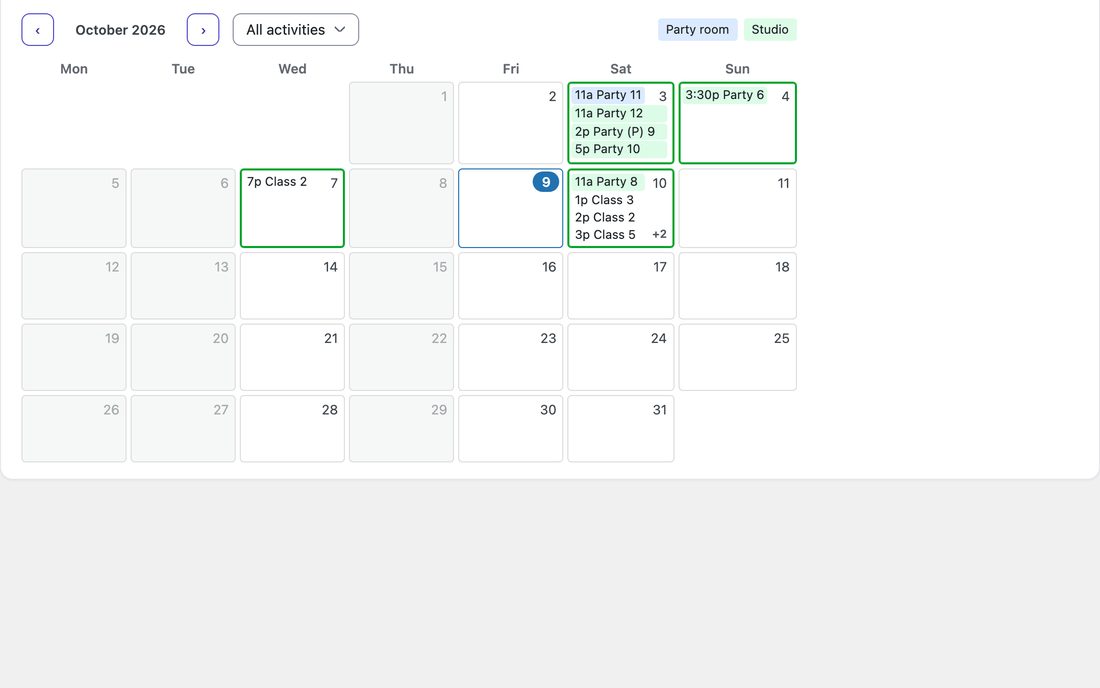
A list can be printed for each date, with every guest and the answers they gave when booking. At the door, people are ticked off as they arrive, or the code on their ticket is scanned with any phone.
Someone who turns up without a booking is added in a moment. The bookings calendar shows the month room by room, and every booked time can also appear in the studio’s own calendar app, whether that is Google, Apple, or Outlook.
A schedule built around the team
Staff scheduling
Putting the staff schedule together by text message means asking everyone, every week, when they are able to work.
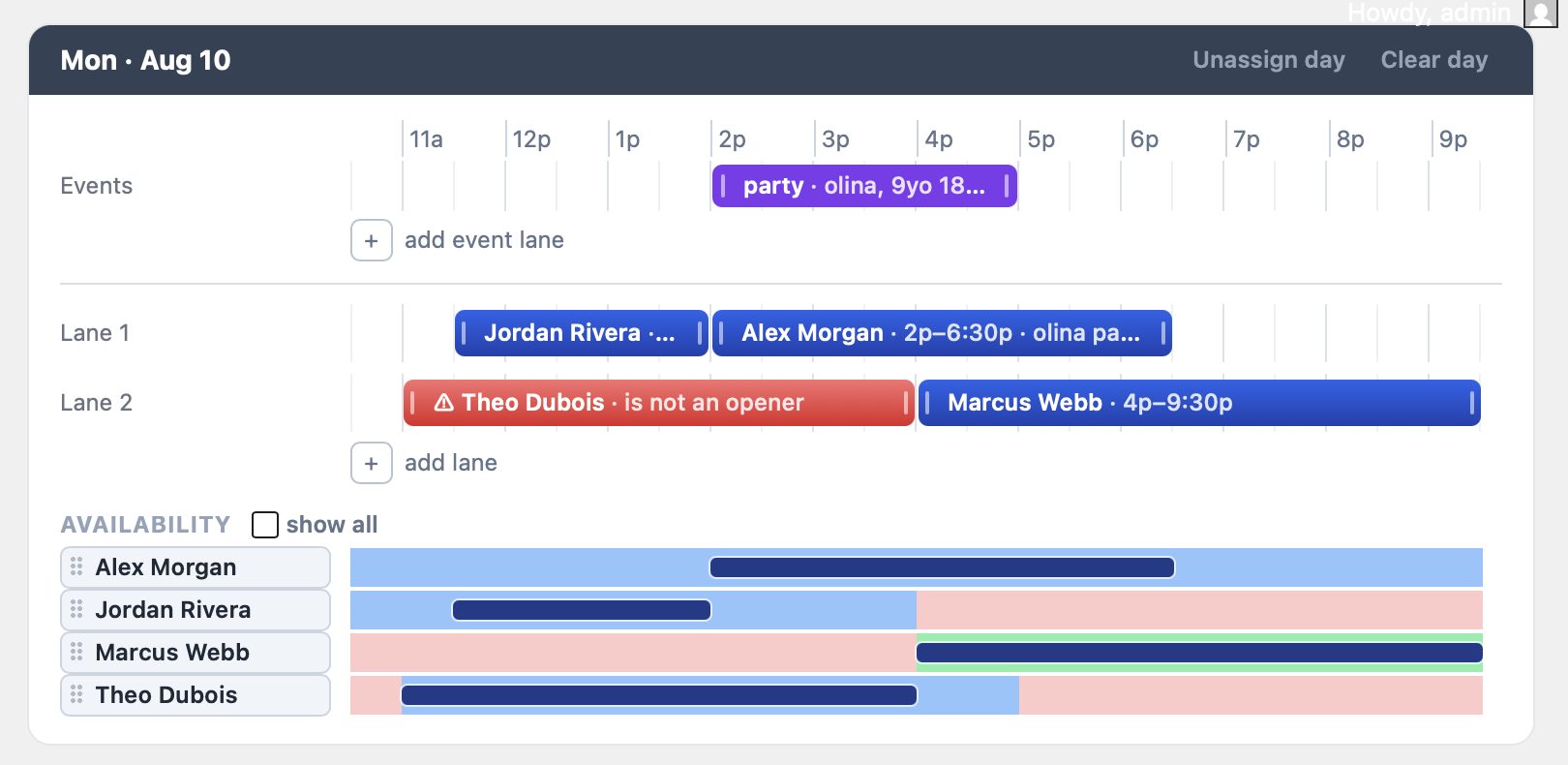
With the scheduling add-on, staff mark the hours they can work on a weekly grid on their phones. They see their shifts, ask for time off, and swap shifts with each other all in one place.
You build the week by dragging names onto it. Everyone’s availability is shown for each day, along with any assigned roles. When the schedule is published, each person gets an email with their shifts. The add-on is free for the first six months. After that, if the studio decides to keep it, it’s USD 20 a month.
Enter it once
Hours and notices
Opening hours, the address, and what is on this month appear in many places on a website, and keeping every one of them up to date is a chore.
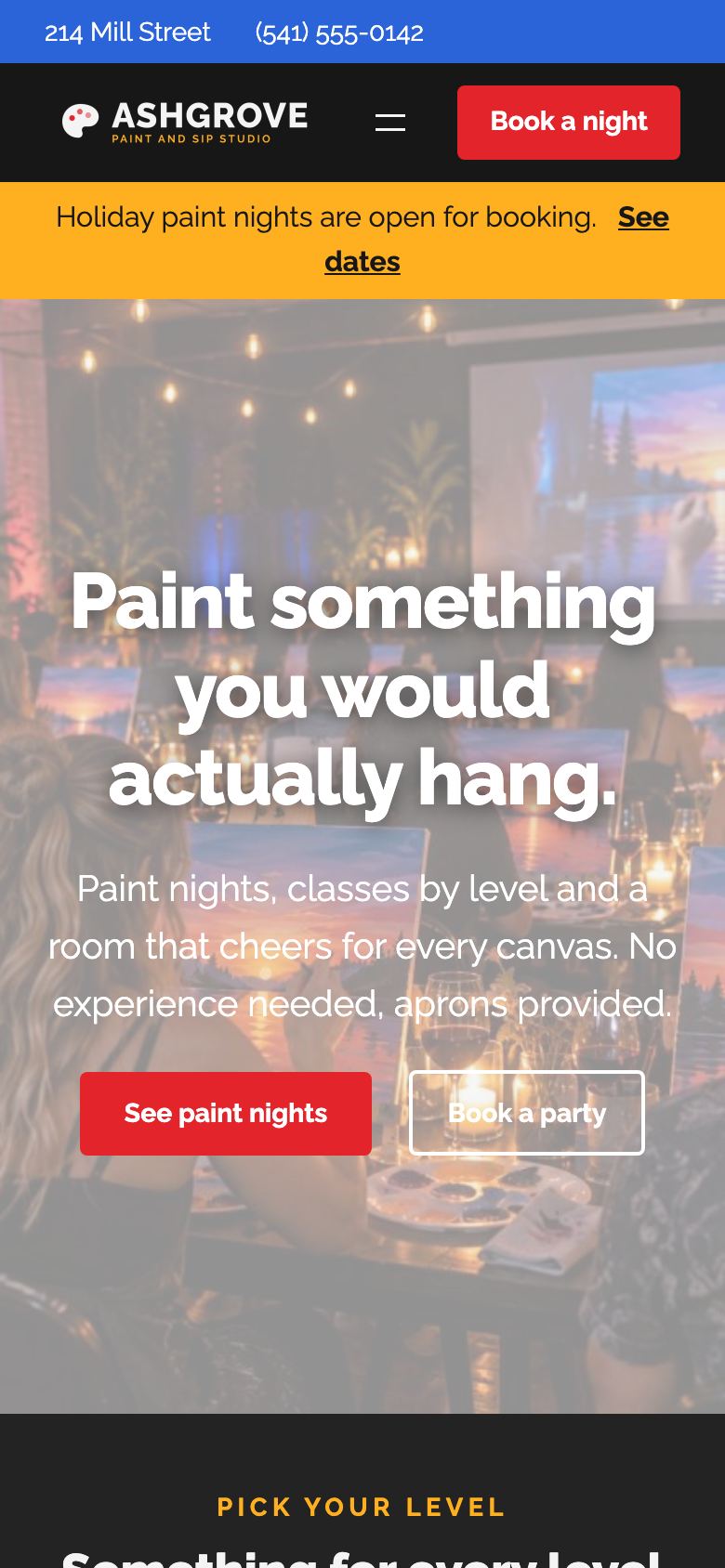
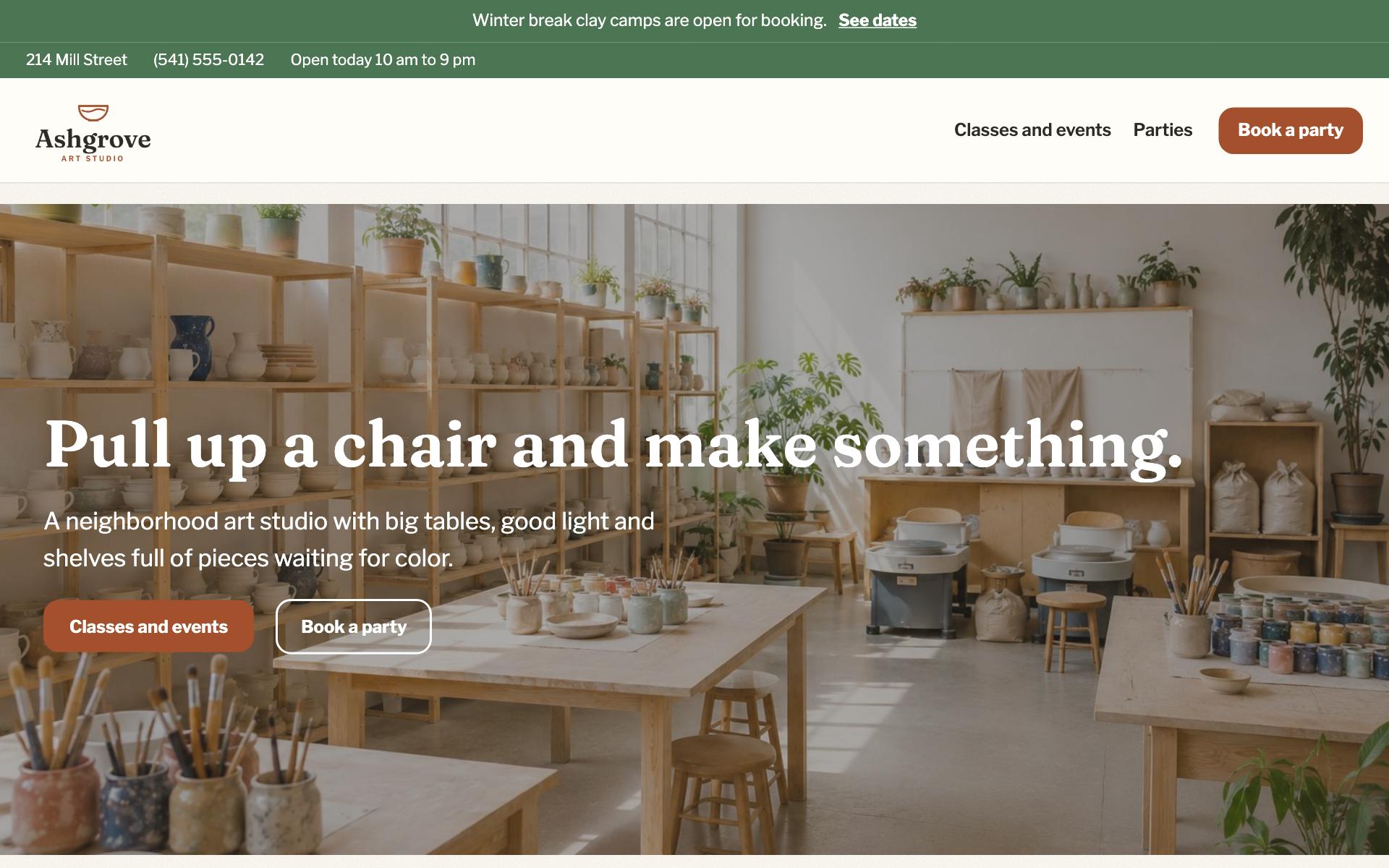
Hours, address, and phone number are entered once, and they appear at the top and bottom of every page. A notice across the top of the site tells visitors what is on right now, with a link to it.
Staff can be given a studio manager login, which lets them handle the bookings without access to the rest of the site.
The studio website is included
The booking website
Many booking systems leave a studio with two websites: its own, and a second one where the booking happens.
Here customers book on the studio’s own website. We set it up from the current site’s text and pictures, or make a new one from scratch. The studio picks a starting point and tries two versions before deciding.
Hosting, updates, security, and backups are our job. The data stays the studio’s, and customers and sales can be exported at any time.
Ready to take bookings online?
Tell us about your studio, and we will show you the booking site before anything is decided.